.png)
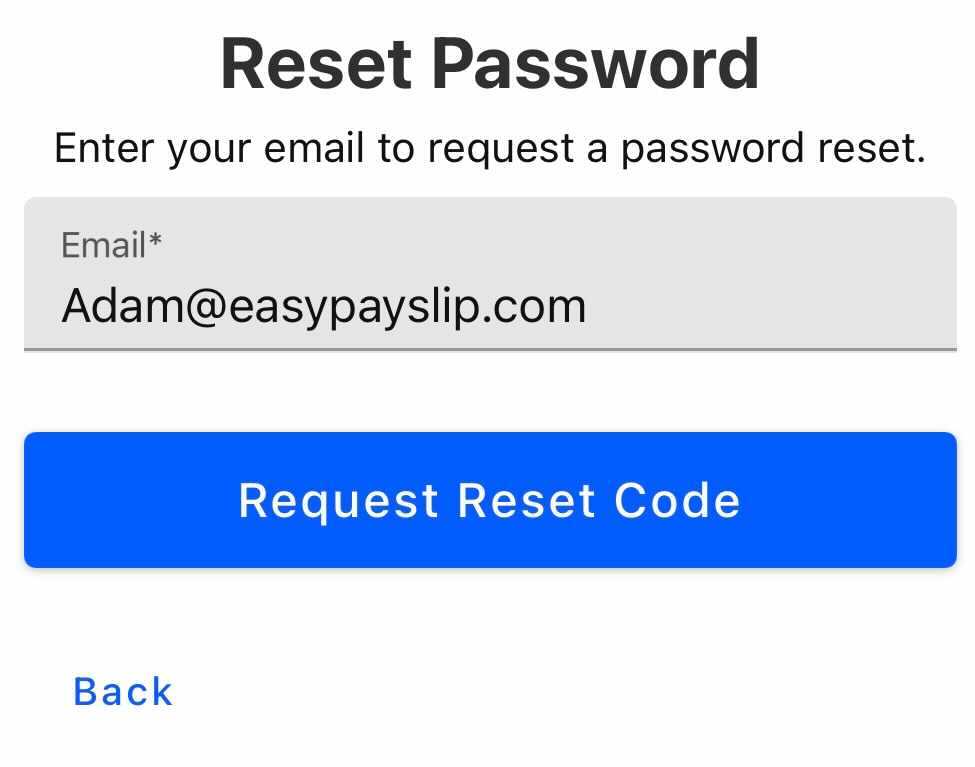
1) Go to Forgot Password, enter your Easy Business App account email address & press ‘Request Reset Code’
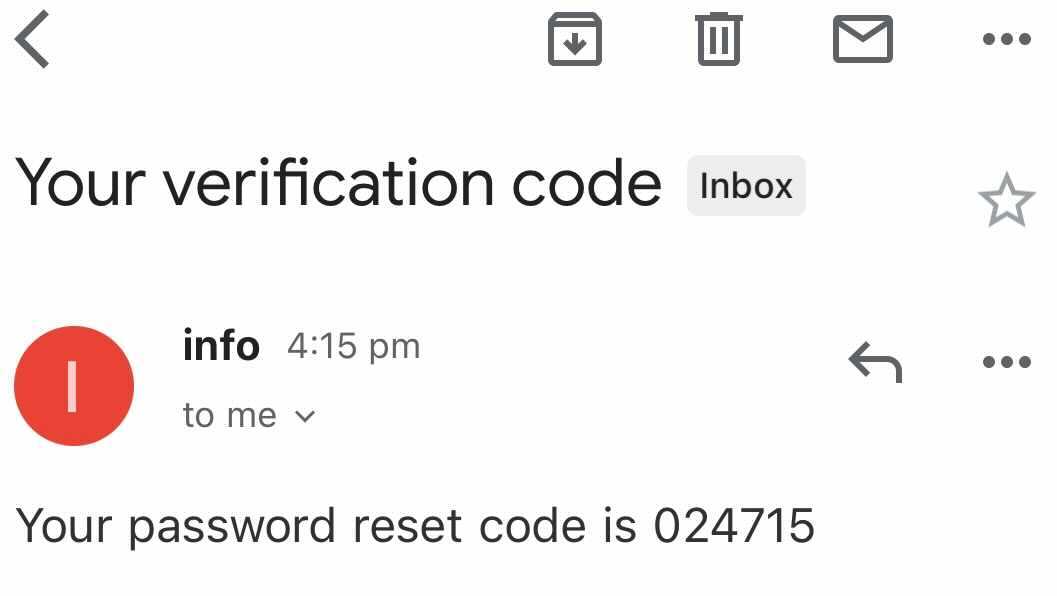
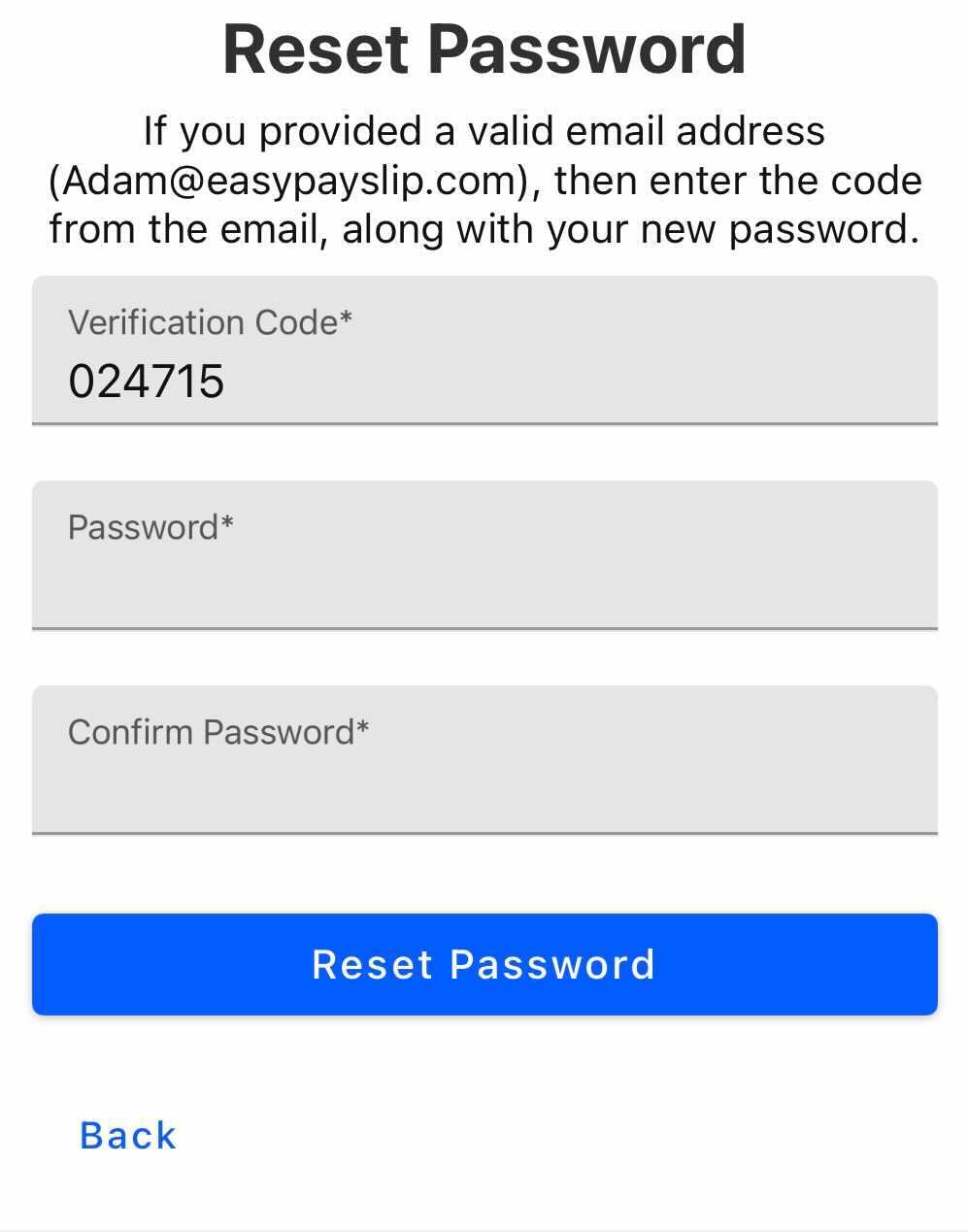
3) Open the email & type the 6-digit code into the Verification Code field followed by entering your new password

1) Go to Forgot Password, enter your Easy Business App account email address & press ‘Request Reset Code’
3) Open the email & type the 6-digit code into the Verification Code field followed by entering your new password